When potential customers visit contractor websites, they often look for reviews to make informed decisions. Adding a review widget directly to your site can boost conversions by showcasing real-time customer feedback without redirecting users to external platforms.
Here are the top review widgets for contractor websites:
- Elfsight Google Reviews Widget: Simple to install, supports various layouts, and offers hourly review updates on paid plans.
- WidgetPack: Focuses on Google reviews with a straightforward setup. Best for WordPress users.
- EmbedSocial: Syncs reviews from Google and other platforms, includes schema markup, and offers a robust free plan.
- Taggbox: Integrates Google reviews and supports multi-platform aggregation for a comprehensive view of your reputation.
Quick Comparison of Review Widgets:
To choose the right widget, consider your budget, platforms you want to integrate, and how often you need updates. Once installed, place the widget near key areas like your homepage or contact form to maximize its impact.
What is an All In One Reviews Widget?
An All-in-One reviews widget brings together reviews from multiple platforms, including Google Business Profile, Facebook, Amazon, HomeAdvisor, Yelp, Trustpilot, and Avvo. It simplifies the process of showcasing testimonials in one place.
Connecting to your Google Business Profile is straightforward. Just enter your Google Place ID, business address, or name. No API key is required. The widget syncs new reviews within 72 hours in most cases, ensuring your website always displays the latest feedback. Plus, many of them have a "Write a review" button taking visitors directly to your Google review form (or place of choosing), making it easier to gather new testimonials.
Usually, on paid plans, you'll be able to filter reviews to display only 4- and 5-star ratings or exclude specific keywords for a more polished presentation. A manual "Add Review" option lets you include testimonials that aren't automatically captured, while the "Verified Customer" blue checkmark adds an extra layer of trust.
Most widget providers have a free plan available, but paid options (Basic, Pro, Premium, Enterprise) unlock features like higher view limits, branding removal, filtering abilities, and auto-translation. These flexible pricing plans are designed to fit a variety of business needs, from solo operators up to enterprise level field service companies.
Each review widget I recommend should also be easy to use, especially for those with no coding experience. Setting up the widget usually takes about 5-to-10 minutes. Connect, customize, then embed it on your site. It should work seamlessly with platforms like WordPress, Webflow, Wix, Shopify, and Squarespace. Now, let's dive into these specific review widget options.
PS: If you need help getting more reviews or setting up SOPs for your contractor business, check out AI for Contractors.

1. Elfsight - Google Reviews Widget
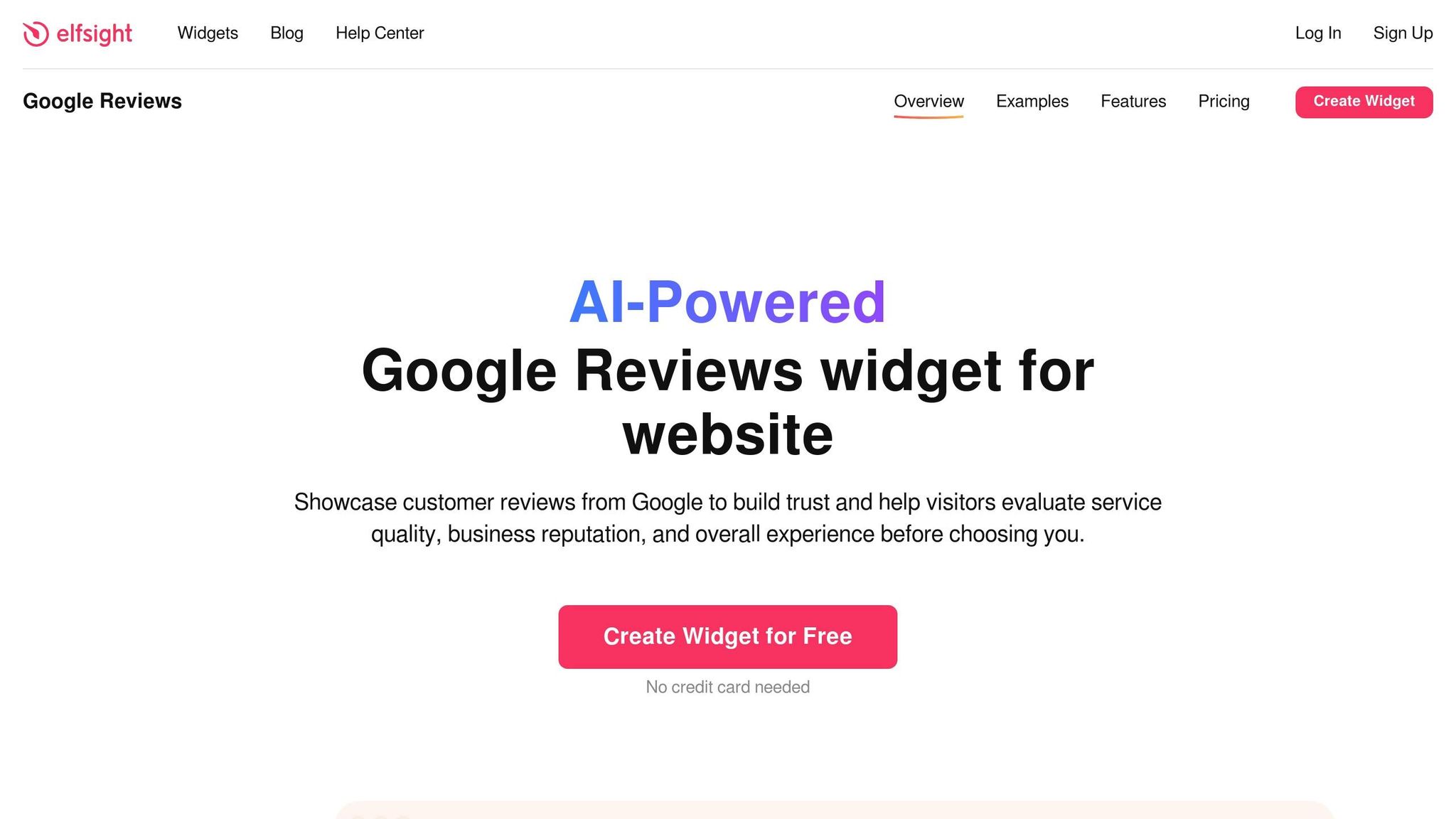
Elfsight's Google Reviews Widget offers an easy, no-code way to showcase reviews on contractor websites. By connecting to your Google Business Profile using your Place ID, address, or business name, it eliminates the need for an API key. The free plan updates reviews every 72 hours, while the Basic and Pro plans refresh them every 24 hours and hourly, respectively. With over 2 million users relying on Elfsight tools, this widget provides a practical and user-friendly option for contractors.
Integration with Google Business Profile
Setting up the widget is simple and fast. You start by selecting a layout, options include carousel, grid, list, masonry, badge, floating badge, or slider. Then, input your business details to fetch reviews, customize the appearance to match your branding, and embed a single line of code into your website's HTML. The widget is compatible with platforms like WordPress, Wix, Shopify, and Squarespace. You can filter reviews to showcase only 4- and 5-star ratings or exclude certain keywords. Additionally, an AI Summary Card highlights key customer feedback to emphasize your business's strengths. These features make it easy to create a visually appealing and highly tailored review display.
Pricing Structure
The free version is a great starting point, allowing you to test the widget without needing a credit card, though it does include Elfsight branding. Paid plans are very affordable and offer perks like faster review syncing, auto-translation, and the removal of branding. In one example, an electrical contractor added the widget to their site in March 2024. Within 30 days, their conversion rate jumped from 2.1% to 3.05%, resulting in a 45% increase and an additional $2,500 in monthly revenue. This highlights how strategically displaying reviews can directly impact your bottom line.
Ease of Website Integration
The widget also includes a "Write a Review" button, directing visitors to your Google review page and making it easier to gather new testimonials.
"For any companies striving to enhance their online visibility, I strongly recommend the All-in-One Reviews widget [from Elfsight]. It has transformed the way I operate and has yielded impressive results already. Thank you for providing such a great product that requires zero coding knowledge." - David Morgan, business owner
On top of that, the widget supports schema markup, which enables star ratings to appear in Google search results. This feature not only enhances your site's visibility but can also improve click-through rates. By combining functionality with design, Elfsight's widget helps boost your site's credibility and engagement.
2. WidgetPack - Google Places Reviews
Integration with Google Business Profile
WidgetPack makes it easy to connect with your Google Business Profile by using your Google Place ID, business address, or business name. This straightforward setup allows contractors to showcase real Google reviews on their websites without dealing with complicated API configurations.
Pricing Structure (Free vs. Paid Tiers)
Details about WidgetPack's pricing are somewhat limited. Typically, review widgets offer both free and paid options. A key point to keep in mind: trusted solutions rely on the official Google Business API instead of scraping or using the Google Places API, which often limits the display to around five reviews. Contractors should ensure proper API integration to display accurate and up-to-date reviews. This pricing approach is paired with an easy integration process.
Ease of Website Integration
Adding WidgetPack to your website is simple. Just paste a code snippet into your site's HTML. This method works seamlessly with platforms like WordPress, Wix, and Squarespace, ensuring your Google reviews are displayed quickly and effectively.
3. EmbedSocial - Free Google Reviews Widget
Integration with Google Business Profile
EmbedSocial connects seamlessly with your Google Business Profile through the official API. This means your reviews are synced daily on the free plan, while paid tiers offer hourly updates. Once you authorize your profile, new reviews are automatically imported. If you’re managing multiple locations, you can link several Google Business profiles and oversee everything from a single dashboard.
The platform also includes AI-driven tools for responding to reviews and moderating them based on sentiment or specific keywords. You can even reply to Google reviews directly within the EmbedSocial console. Plus, the widget generates schema markup for aggregate ratings automatically, boosting your online visibility. And it doesn’t stop at Google... there’s more.
Multi-Platform Review Aggregation
While the free plan focuses on Google reviews, paid plans allow you to pull in feedback from other platforms like Facebook, Yelp, and Trustpilot. You can even include social media posts from Instagram or TikTok, consolidating all your reviews into one feed. This feature helps expand your social proof as your business grows, giving you a more comprehensive way to showcase customer feedback.
Pricing Structure (Free vs. Paid Tiers)
The free plan costs $0/month and includes official API integration, unlimited widgets, and live syncing for one Google Business Profile location. Upgrading to a paid plan unlocks features like support for multiple locations, faster syncing (down to hourly updates), AI-powered moderation, and the ability to aggregate reviews from multiple platforms. With over 300,000 brands using EmbedSocial and a 4.8/5 rating from 526 reviews, it’s a trusted choice for businesses worldwide.
Ease of Website Integration
Adding EmbedSocial to your website is straightforward. You only need to insert one line of JavaScript or an iframe, no plugin required. After connecting your Google Business Profile, you can customize the widget’s layout (choose from slider, grid, or badge options) or use the AI "vibe-code" feature for a personalized design. Then, simply paste the code into your site’s HTML.
"EmbedSocial is the only solution on the market offering unlimited widgets, website components and full social proof sections with huge templates library for free." – EmbedSocial
To maximize conversions, consider placing a review slider near your "Request a Quote" button on the homepage. You can also use a floating badge on other pages to keep social proof visible. Just make sure you have at least 15 reviews with an average rating of 4.5 stars or higher before showcasing the widget, as lower ratings could potentially harm your conversion rates. Need to figure out how to get more reviews? <- Click the link.
4. Taggbox - Google Reviews Widget

Integration with Google Business Profile
Taggbox links directly to your Google Business Profile using the official Google Business API. You can either search for your business by name and address or input your Google Place ID directly in the widget's source settings. Once the connection is authorized, Taggbox automatically pulls in your reviews. No manual updates or methods that could violate Google's terms are needed.
Setting up the connection is quick and takes about 5 minutes. Plus, there's no need for coding knowledge. Once linked, the reviews sync automatically, eliminating the hassle of manual refreshes. To maximize your site's social proof, you might also want to explore options for integrating reviews from multiple platforms.
Multi-Platform Review Aggregation
Although Taggbox primarily focuses on Google Reviews, it’s worth checking if your plan includes support for reviews from platforms like Facebook or Yelp. This multi-source aggregation feature allows you to combine all your social proof into a single widget, offering visitors a well-rounded view of your online reputation.
With all your reviews in one place, embedding the widget on your site becomes a straightforward process.
Ease of Website Integration
Embedding Taggbox on your website is simple. There are three steps: connect your Google Business Profile, select a display style (such as a slider, grid, or badge), and paste the two-line embed code into your site. Whether you’re using WordPress, Wix, Squarespace, or a custom-built site, the widget is fully compatible. This smooth integration not only boosts your site’s credibility but also aligns with best practices for keeping visitors engaged.
Comparison Table
Here’s a side-by-side look at how these four popular review widgets compare across key factors for contractor websites. This table highlights the main features to help you decide which widget suits your needs.
If speed matters most, EmbedSocial shines with its 30-minute sync time on the free plan and real-time updates for paid tiers. In contrast, Elfsight's free plan, which updates every 72 hours, might leave your reviews looking outdated. This drawback could impact conversions, but probably not. For affordability, Elfsight offers an entry-level paid plan for up to 5,000 views, but keep in mind its free tier caps out at just 200 views, which may not be sufficient for high-traffic sites.
Integration is straightforward across all options. Most involve copying a single line of code, and WordPress users can take advantage of shortcode options for an even easier setup. If you’re on WordPress exclusively, WidgetPack offers a simple and cost-effective option at $99 per year for a single site.
For contractors with multiple locations or a presence across different review platforms, EmbedSocial and Taggbox offer the ability to aggregate reviews from not just Google, but also platforms like Facebook and Yelp. This feature consolidates your social proof, giving visitors a complete view of your reputation without redirecting them elsewhere. This is a key factor in reducing friction and improving conversions.
Ultimately, the right widget depends on your traffic volume, the platforms you want to integrate, and how quickly you need reviews to update. Choose the one that aligns best with your goals and keeps your site looking professional and current.
Conclusion
The review widget comparisons above show how the right tool can improve your contractor website's trustworthiness and help drive more conversions.
When choosing a review widget, consider factors like your budget, platform compatibility, and how often updates are needed. For those working with no budget and seeking a clean, no-branding option, EmbedSocial's free plan is a great choice, as it takes about five minutes to set up. If you're a WordPress user, WidgetPack offers simple shortcode integration for just $99 per year.
If dependability is your main concern, EmbedSocial stands out by using the official Google Business API, ensuring frequent and reliable updates. Its free plan refreshes reviews regularly, while paid plans provide real-time updates. For contractors with multiple locations or those looking to showcase reviews from different platforms, prioritize a widget that supports multi-platform aggregation. This feature ensures customer feedback stays visible and accessible, bolstering your online reputation management efforts.
Before adding any widget, make sure you have at least 15 reviews with an average rating of 4.5 stars or higher. Any marketer will tell you that reviews below 3 stars will actually decrease conversions.
Once you’ve built a strong review base, the right widget can deliver impressive results. Contractors using review widgets have reported conversion increases of 15% to 45% within the first 30 days.
Pick the widget that aligns with your goals. Most options can be integrated in under five minutes. From there, success depends on strategically placing the widget where it grabs attention, like near your contact form or above the fold on your homepage. With the right setup, you’ll not only showcase genuine customer feedback but also see a measurable boost in conversions.
FAQs
Will a review widget slow down my contractor website?
Including a review widget on your contractor website can sometimes impact its speed, especially if the widget is resource-intensive or not well-optimized. To avoid this, opt for a lightweight widget that doesn’t consume excessive resources. You can also implement features like lazy loading to help improve your site’s performance. These strategies allow you to highlight customer reviews without compromising your website’s speed.
How do I choose between Google-only and multi-platform review widgets?
When deciding between Google-only review widgets and multi-platform review widgets, think about your overall review strategy and where your customers typically leave feedback. Ultimately, the choice depends on where your audience engages most and what aligns with your business objectives.
What should I do if my rating is under 4.5 stars before adding a widget?
If your rating falls below 4.5 stars, prioritize improving customer feedback before showcasing it with a review widget. Start by addressing recurring issues and resolving customer concerns. Encourage happy customers to share their experiences through positive reviews. And when responding to negative reviews, respond thoughtfully and professionally because it goes a long way in building trust and credibility.
Ready to Write Copy That Commands Attention and Drives Sales?